
The problem
Creators need to turn written scripts into natural multi-speaker audio, but hosted TTS products add per-minute costs, API keys, and a dependency on someone else’s uptime.
The workflow also gets messy at the handoff points: speaker labels, pacing, retries, and stitching fragments into a single file.
What I built
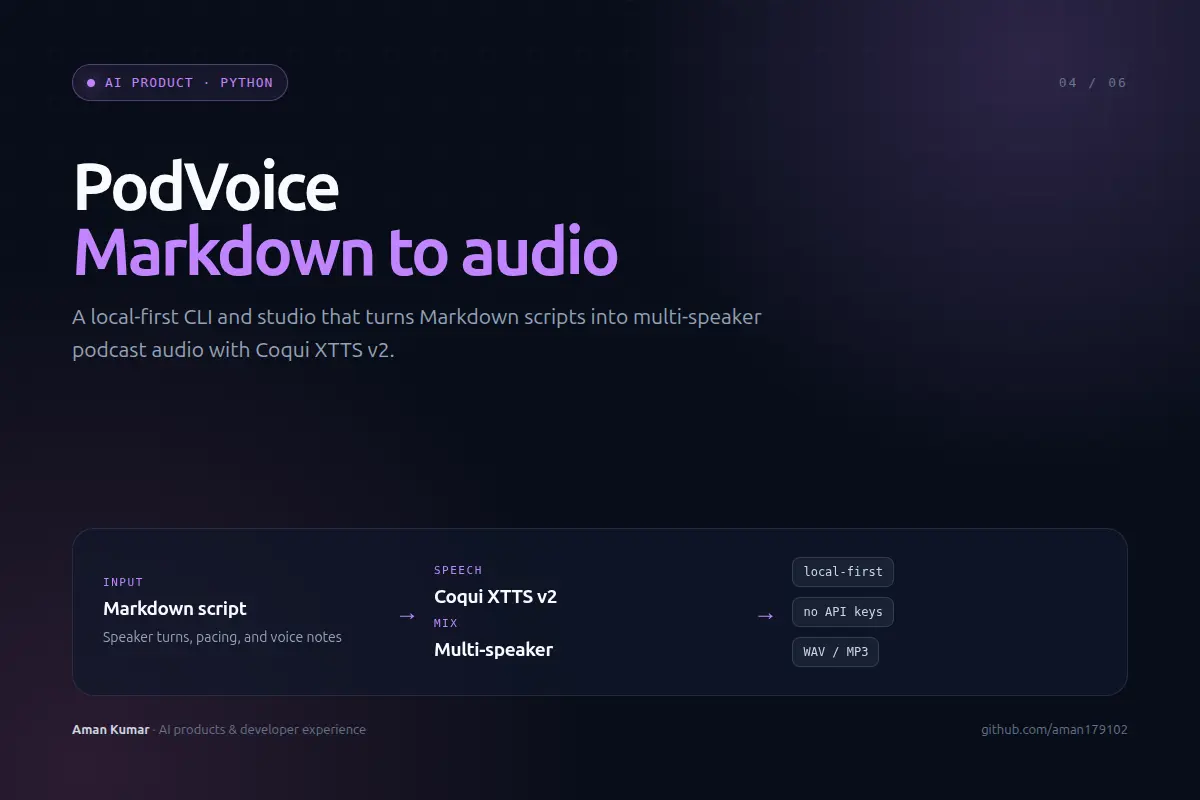
- A Markdown parser that maps speaker turns and inline direction to structured segments.
- A synthesis layer around Coqui XTTS v2 that keeps each speaker’s voice consistent across chunks.
- A local audio pipeline that normalises, orders, and exports multi-speaker WAV/MP3 output.
- A CLI-first interface plus a studio view for people who would rather not live in a terminal.
System shape
Decisions and tradeoffs
Local-first by default
No API keys and no per-minute billing. The tradeoff is that users need a machine capable of running the model.
Speaker consistency over raw speed
Segments are generated in a controlled order so voice identity and pacing stay stable across a long script.
One file in, one file out
The interface stays small even though the pipeline underneath has parsing, chunking, synthesis, and mixing stages.
Outcome
Published as an open-source project with 36 GitHub stars and a CLI that another developer can install and run without a hosted account.
The constraint was the feature: no cloud keys, no per-minute billing, no black box between the script and the audio.